Microsoft Copilot, Agent Builder, Copilot Studio and Foundry — When to Use What
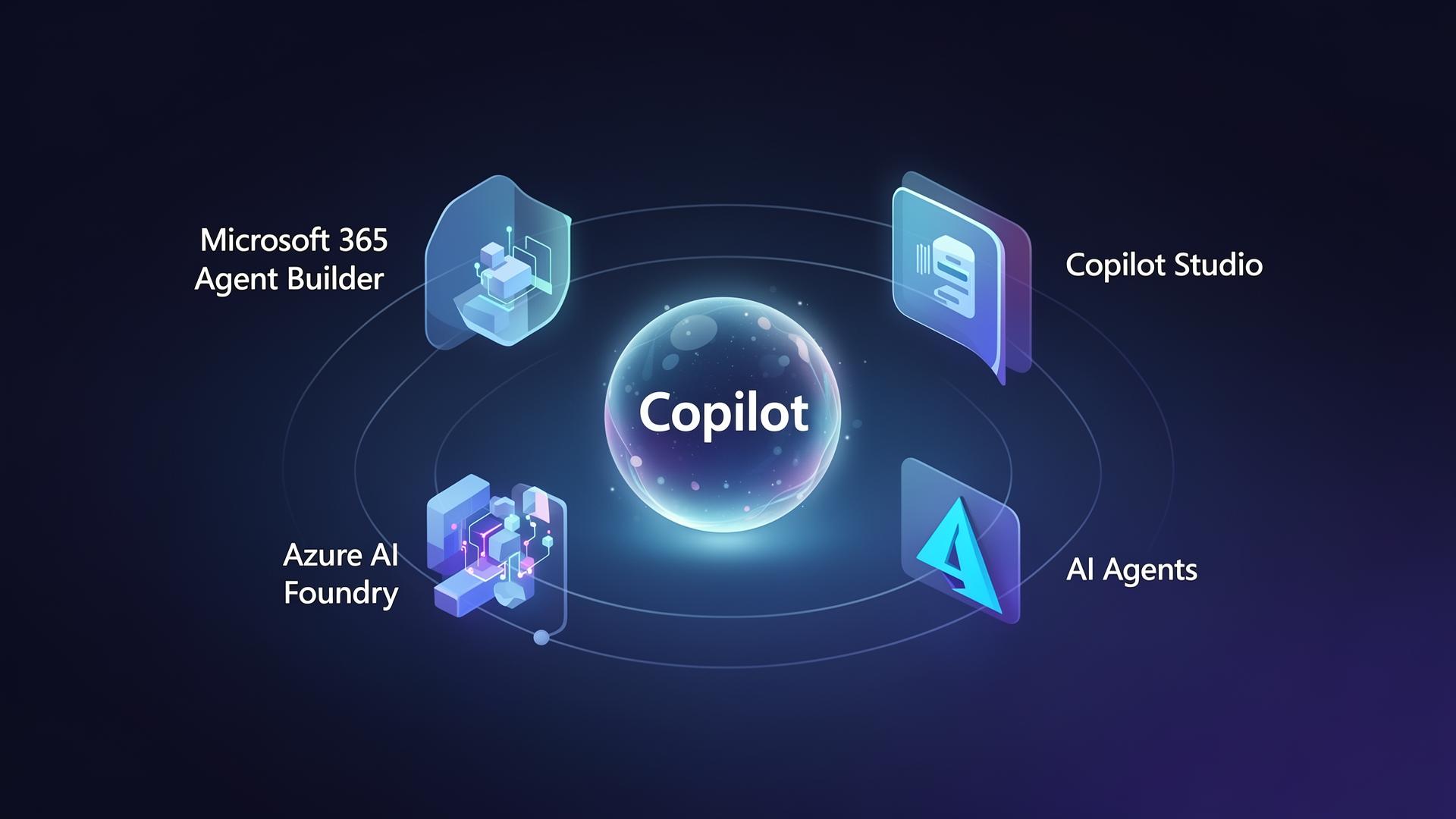
The Microsoft AI stack has four overlapping entry points. Picking the wrong one wastes months. Here is the simple decision framework — with one worked example.
Almost every Microsoft AI conversation in 2026 starts the same way: "We want Copilot." Two meetings later, half the room means Microsoft 365 Copilot, a quarter mean Copilot Studio, and someone in the back is quietly building on Azure AI Foundry. They are not the same product, they are not priced the same, and they are not governed the same.
Here is the practical map we use with enterprise customers — four tiers, each with a clear "use when" rule, plus one tiny worked example so you can see the choice in action.
The four tiers of Microsoft's Copilot stack
Out-of-the-box AI inside Word, Excel, Outlook, Teams and SharePoint. Grounded in your Microsoft Graph data. Zero build. Use when the use case is personal productivity inside Office apps.
Lightweight no-code authoring inside the Copilot chat. Business users connect a SharePoint site, OneDrive folder or simple instructions to spin up a Copilot Agent for their team — in minutes, no dev required.
Pro-code-adjacent agent platform. Custom topics, knowledge sources, connectors (Dataverse, SAP, ServiceNow), Power Automate flows, authentication, channels (Teams, web, voice). Use for cross-system agents.
Full-control model platform. Bring your own models, fine-tuning, evaluation, content safety, agent orchestration with code. Use when you need custom models, deep IP, or strict data residency.
How they fit together
These tiers are not alternatives — they layer:
A simple worked example: an HR Policy Assistant
Imagine HR wants an internal assistant that answers questions like "How many days of paternity leave do I get in Germany?" from the company policy library on SharePoint, and can also open a leave-request ticket in ServiceNow.
Option A — Microsoft 365 Copilot (zero build)
If your policies already live in SharePoint and users are licensed for M365 Copilot, they can ask Copilot directly today. Copilot will retrieve from the Graph and cite the SharePoint document. Cost: license only. Build effort: none. Limitation: no ServiceNow action.
Option B — M365 Agent Builder (15 minutes)
HR opens Copilot Chat → Create agent → points it at the "Policies" SharePoint site, adds instructions ("Always cite the policy URL and the country it applies to"), and publishes to the HR Team in Teams. No code. Still no ServiceNow action.
Option C — Copilot Studio (1–2 weeks)
IT builds the agent in Copilot Studio: SharePoint as knowledge, a ServiceNow connector for the action, a Power Automate flow for approval routing, and Entra ID auth so the agent only sees policies the user is entitled to. Channels: Teams + intranet web chat. This is the right tier for most enterprise use cases.
Option D — Azure AI Foundry (when you need more)
Same assistant, but HR is in a regulated business that requires the model to run in a specific region, with full evaluation pipelines, content-safety filters, and fine-tuning on internal terminology. The agent is orchestrated in Foundry and surfaced back into Teams via a Copilot Studio agent that calls the Foundry endpoint.
# Pseudocode for a Copilot Studio "Call Foundry Agent" action
from azure.ai.foundry import AgentsClient

agent = AgentsClient(endpoint=os.environ["FOUNDRY_ENDPOINT"]).agents.get("hr-policy-eu")

def ask(user_question: str, user_country: str) -> str:
    response = agent.invoke(
        input=user_question,
        metadata={"country": user_country, "policy_scope": "hr"},
    )
    return response.output_text
Choosing in 60 seconds
→ Microsoft 365 Copilot. Don't build an agent at all.
→ M365 Agent Builder. Let the business owner ship it.
→ Copilot Studio. This is where most enterprise agents land.
→ Azure AI Foundry, exposed back through Copilot Studio for distribution.
Planning a Microsoft AI program?
Talk to AmniZen — Microsoft Solutions Partner for Business Applications and Data & AI. We turn strategy into shipped Copilot, Dynamics 365 and Fabric programs.