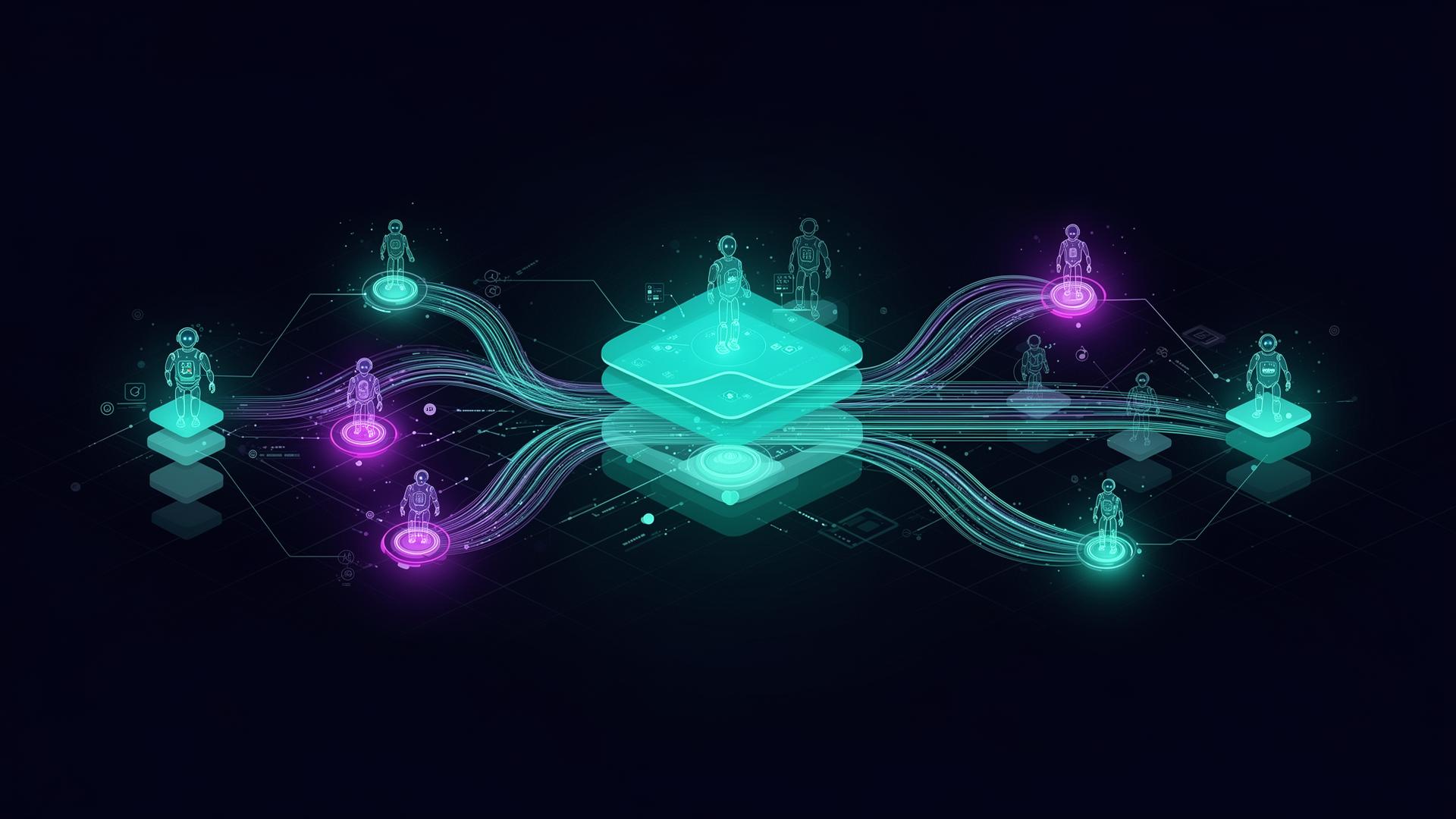
Microsoft Fabric × Agent 365 — Where Data Meets Autonomous Agents
Agents are only as good as the data they stand on. Microsoft Fabric is becoming that data substrate — and Agent 365 is how enterprises will distribute the resulting agents.
Two Microsoft platforms are quietly converging into one architecture. Microsoft Fabric unifies all enterprise data — Dynamics, SAP, Salesforce, files, events — into OneLake, the single logical data lake. Agent 365 is Microsoft's emerging vision for treating agents as first-class corporate citizens: identity, lifecycle, governance, observability — the same way users have today.
The intersection of the two is where the most interesting enterprise AI work is happening in 2026.
Why Fabric is the right substrate for agents
OneLake mirrors Dataverse, SQL, Snowflake, BigQuery and ADLS without ETL. Agents query a single semantic surface instead of stitching exports.
Purview classifications, sensitivity labels, lineage and DLP follow the data into Fabric — and through the agent's grounding calls.
Fabric Real-Time Intelligence handles streams; the lakehouse handles history. Agents can answer 'what just happened' and 'what usually happens' in the same query.
Delta + Iceberg + shortcuts mean you keep optionality. Foundry and third-party agents can read the same OneLake without lock-in.
What "Agent 365" really means
Microsoft's framing of Agent 365 is less about a new product and more about a new operating model — every agent gets:
- An identity in Entra (just like a service principal, but agent-aware).
- A lifecycle (provisioned, version-controlled, retired) in admin tooling.
- Permissions to act on behalf of a user, with scopes and consent.
- Observability — every prompt, tool call and decision is logged and audit-ready.
- A directory, so users and other agents can discover and trust it.
A reference architecture
For most enterprise scenarios — say, a Finance "Close Co-pilot" that answers ad-hoc questions and drafts variance commentary — the architecture looks like this:
Read top-down: the user talks to the agent in Teams; Agent 365 verifies identity and consent; the reasoning layer plans and calls tools; tools query Fabric for grounded, governed data. Read bottom-up: every business datum lives once in OneLake, and surfaces wherever agents need it.
How to start — 4 steps
- Step 1Mirror your systems of record into OneLake
Turn on Dataverse → Fabric mirroring, add Fabric shortcuts for SQL/Snowflake/ADLS. You don't need to migrate — you need a single read surface.
- Step 2Set up the governance baseline
Roll out Purview sensitivity labels, classifications and DLP for the data domains your first agents will touch. Define what an agent can never see.
- Step 3Pick one bounded business workflow
A Finance close commentary agent, a Supply Chain exception-triage agent, an HR policy agent. One workflow, one team, measurable outcome.
- Step 4Build the agent on Copilot Studio with Fabric grounding
Use Copilot Studio knowledge sources pointing at Fabric semantic models. Add Foundry only where you need custom models or evaluation. Distribute via Agent 365.
What to watch for
Cost
Fabric capacity (F-SKUs), Copilot messages, and Foundry token spend are three separate meters. Pilot with monthly capacity, then commit to reserved capacity once the workload is stable.
Data quality
Agents amplify whatever is in the lakehouse. A semantic model with clear measures and certified definitions beats a clever prompt every time.
Governance debt
If sensitivity labels and lineage aren't in place, every new agent multiplies the audit surface. Start the Purview rollout before the agent rollout.
Planning a Microsoft AI program?
Talk to AmniZen — Microsoft Solutions Partner for Business Applications and Data & AI. We turn strategy into shipped Copilot, Dynamics 365 and Fabric programs.